Share from either app.
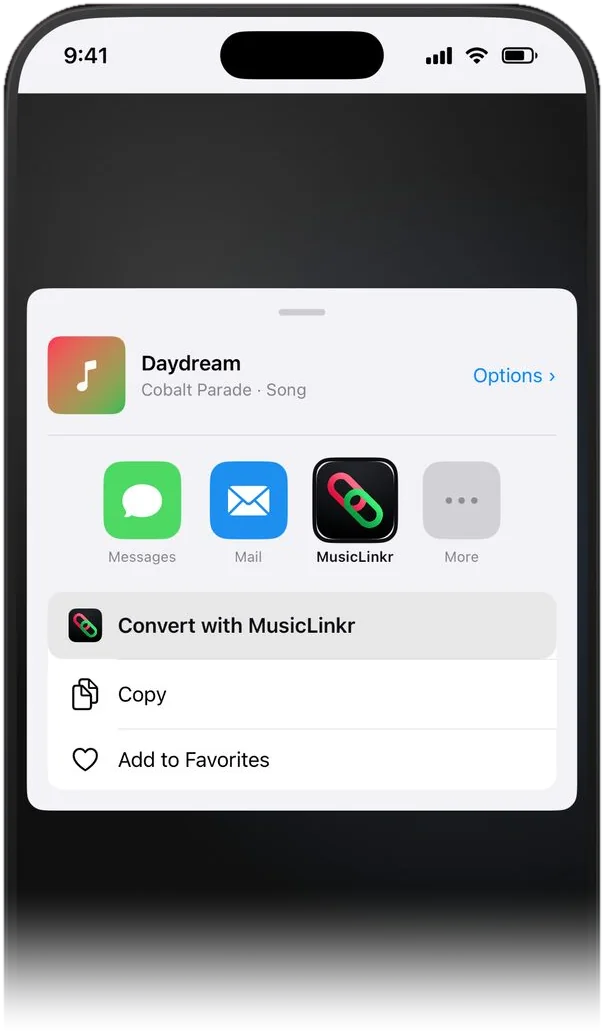
MusicLinkr sits in the iOS share sheet, so you never leave Apple Music or Spotify to convert something. Both links come back ready to copy or send.
Apple Music Spotify
Share a song or album from either app and get working links for both platforms. No typing, no account.
In Apple Music or Spotify, tap the share button on any track or album.
Pick MusicLinkr from the iOS share sheet. The link is fetched and converted automatically, with no typing.
Get working links for both Apple Music and Spotify. Copy them to the clipboard, open them in-app, or share them on.
Prefer to stay in the app? Paste a link to convert it directly, or search the catalog and share straight from the results.
MusicLinkr sits in the iOS share sheet, so you never leave Apple Music or Spotify to convert something. Both links come back ready to copy or send.
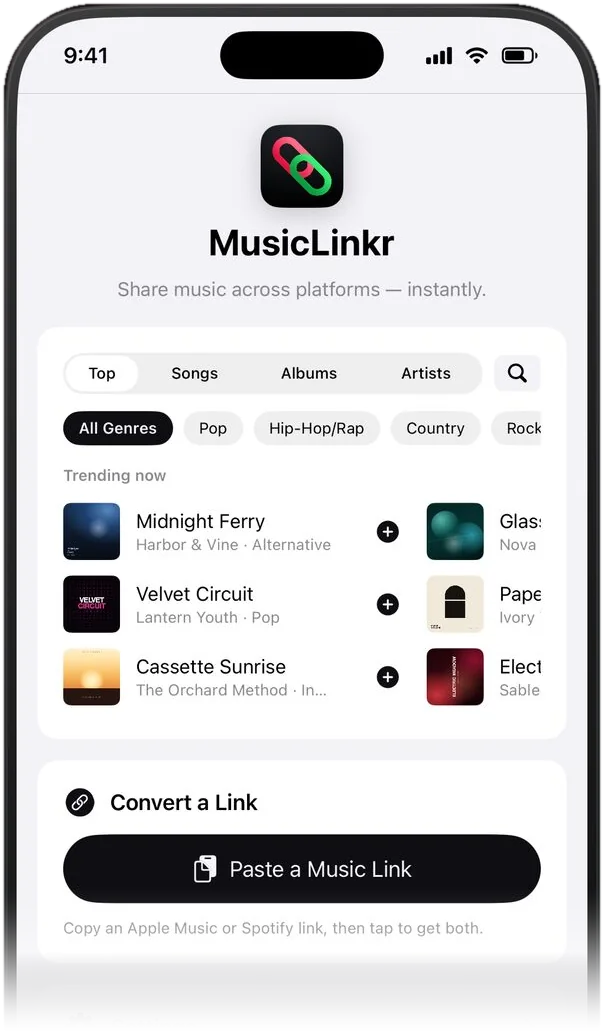
Search any song, album, or artist without leaving MusicLinkr. Browse the trending charts by genre and share straight from the results.
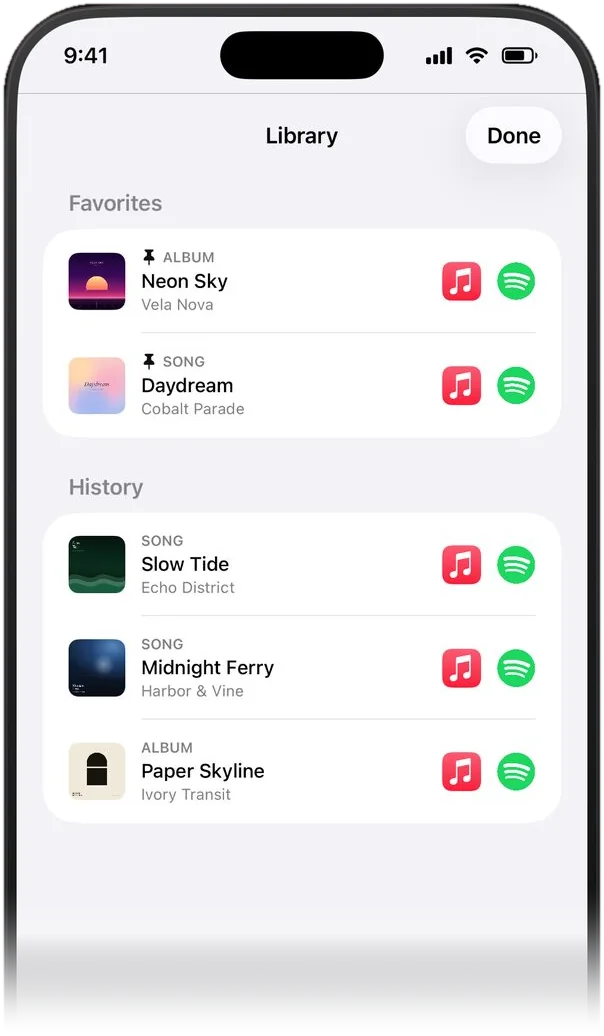
Your last 500 conversions stay searchable. Pin the ones you love to Favorites, and turn on iCloud sync to carry them privately across your devices.
No account, no sign-in, and no third-party analytics SDK. We do not run servers that store your personal data.
Ad-supported, with a one-tap opt-out and a one-time Remove Ads purchase, or leave a tip, which removes ads too.
Choose the one that suits your home screen, or let Auto follow your theme.


Follows your system appearance, or set it yourself. The home-screen icon updates to match.
Links resolve through the iTunes Search API and the Spotify Web API, so matches come back in seconds.
Individual tracks and full albums are supported. Playlists and artist pages are intentionally left out.
Free on the App Store. Works with Apple Music and Spotify. Requires iOS 16 or later.